THRESHOLD Getting Started Guide
Modes, controls, mic discipline, and what to do in your first hour of THRESHOLD.
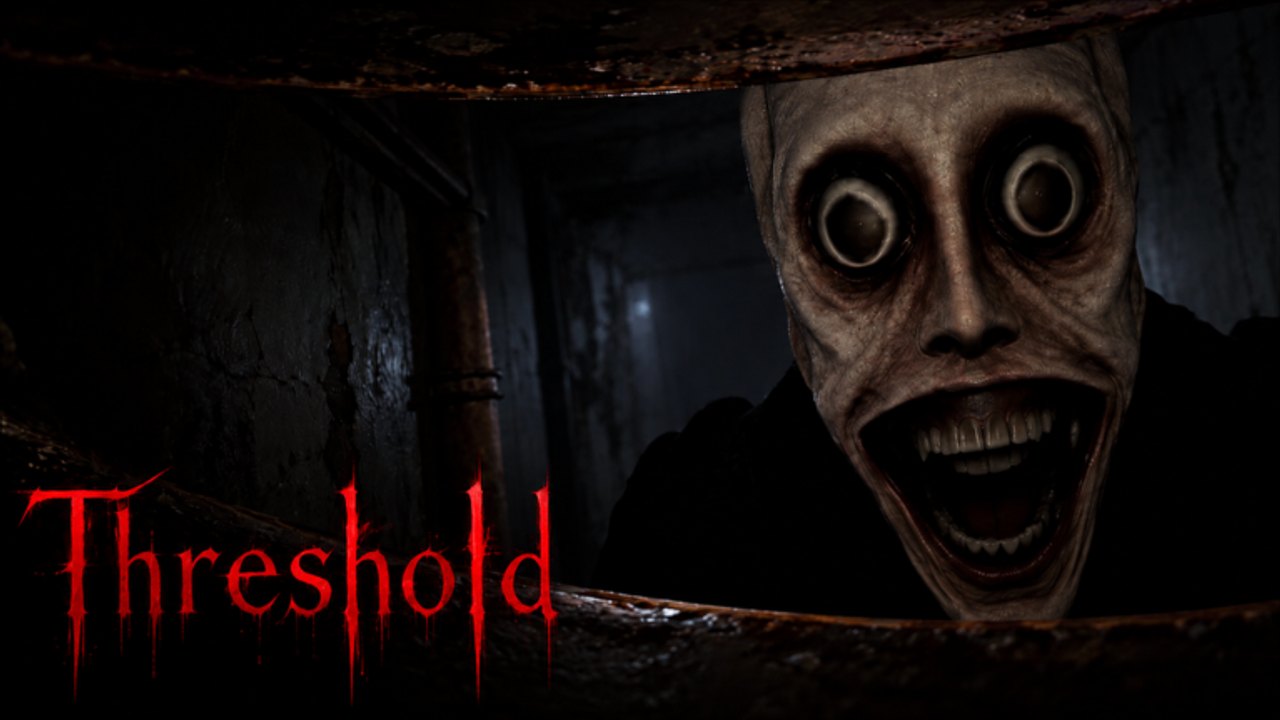
Welcome to THRESHOLD (Roblox BETA)
THRESHOLD is a Roblox horror experience created by Reskioat under Fe & Zy. You will see two major modes in the current BETA: Story — Episode 1 [DESPAIR] and Chase Mode with maps focused on Eli and Scrow. The headline gimmick—and the reason so many clips go viral—is that the threat can hear your microphone and chat. If you treat this like a silent walking sim while your Discord is blasting, you will have a bad time.
This guide gets you from first join to a sane second session. For deep routes, continue to Story DESPAIR, Chase Mode, Eli keys, and Scrow. Promo status lives on the Codes Hub; perk priorities on the tier list.
Modes at a glance
Story Episode 1 [DESPAIR]
Narrative investigation centered on Blox Street 12, clues, and an escape sequence tied to the Eli thread. It is shorter than a Chase grind night and is actively mentioned as under rework during BETA—so VO, room layouts, or clue order may change after patches. Play it once for context even if you mainly care about Chase.
Chase Mode — Eli
Large pursuit map. Primary loop: locate three maintenance keys, keep your flashlight alive with batteries, and use radar when you have enough power. Escapes feel like maintenance-bay scavenger hunts under audio pressure.
Chase Mode — Scrow
Mall-flavored chase. Collect pages that reveal digits for a keypad password that is RNG each run. The character Scrow can lure attention; do not trust friendly dialogue. The Godspeed perk (+50% walk and sprint) defines serious clear times.
Pick Story first if you want lore. Pick Eli Chase first if you want to learn batteries and keys. Pick Scrow when you are ready for RNG pages and speed tech.
Controls and HUD habits
Exact keybinds can differ if you rebound them, but the default mental model players use is:
| Action | Typical input | Notes |
|---|---|---|
| Move | WASD | Strafe around corners; avoid sprinting blindly |
| Sprint | Shift (common Roblox default) | Loud, commits you into bad rooms |
| Interact / pick up | E | Keys, pages, batteries, doors, clues |
| Flashlight | Dedicated light toggle (check on-screen prompts) | Battery-backed — do not leave it on in safe rooms forever |
| Battery / radar utilities | Often face-button or R-style interact once items are held | Confirm prompts in your build; BETA UI shifts |
| Chat | / or chat window | The entity can hear chat — treat typing like talking |
| Voice | Roblox voice chat | The entity can hear your mic |
If a prompt on screen disagrees with this table, obey the prompt. THRESHOLD is still iterating.
Flashlight and batteries
Dark corridors punish empty batteries more than jump scares do. Rules of thumb:
- Click the light off when you are holding in a known safe pocket.
- Loot every battery you pass on Eli even if you feel “fine.”
- Radar is hungry—see the Eli keys guide for the common three-battery radar expectation players describe.
- On Scrow, page hunting still needs short, deliberate light sweeps; Godspeed does not refill power.
Microphone and chat discipline
This is the skill that separates clip compilations from clean escapes:
- Mute hardware or Roblox voice when hiding.
- Push-to-talk only if you must call a digit to a teammate—then go quiet.
- Do not type “WHERE ARE YOU” in chat during a chase; the game treats that noise as a tell.
- Teach friends in the lobby before the round, not mid-sprint.
The video embedded mid-page shows how quickly voice aggro ruins a run. For the full mute playbook, open Mic & Chat Hearing. Watch the embed after you finish the checklist below.
First-session checklist
Use this exact order on day one:
- Join the experience from the official Roblox page (PlaceId
78453398695059). - Like the game and join the Fe & Zy group so any social gift prompts can resolve—details on Codes.
- Open studio links via linktr.ee/Threshold_Studio and join Discord announcements (optional but useful).
- Run Story Episode 1 once with headphones, mic muted, following on-screen clue prompts at Blox Street 12.
- Enter Chase → Eli. Practice a silent loop: loot batteries, note key-looking props, hide when audio spikes.
- After one Eli escape or three honest deaths, read Chase Mode overview and Eli keys.
- Attempt Scrow only after you understand pages ≠ promo codes. Bring patience for RNG.
- Skim the tier list and equip Godspeed when your progression allows.
- Check Updates so you know Episode 1 rework / Episode 2 teaser status.
- Decide whether you even want scripts; most early deaths are mic and battery errors.
Common early mistakes
- Talking for content. Streaming THRESHOLD with an open mic is content poison unless you accept frequent deaths.
- Saving batteries “for later” while wandering unlit wings on Eli.
- Writing down a Scrow password as if it were a global code for the Codes Hub.
- Trusting Scrow’s reassurance lines. Friendly VO is part of the trap—see beat Scrow.
- Skipping Story entirely then wondering who Eli is; twenty minutes of DESPAIR clarifies the vibe.
- Expecting polished 1.0 systems. Read the players hub for honest BETA notes—many players currently prefer Chase over Story fidelity.
Progression: cash, XP, perks
Chase clears feed cash and XP. Those currencies gate quality-of-life and power perks such as Godspeed. Leaderboards track strong solos and duos; Scrow’s compact layout produces flashy sub-minute times when pages spawn well, while Eli favors thorough looters. Do not spend early currency on novelty until flashlight uptime and Godspeed are sorted—our tier list explains why.
Duo and squad etiquette
- Assign roles: one player watches audio, one loots, one holds keypad entry on Scrow.
- Share page digits over push-to-talk in short bursts, then mute.
- Never stack three people in the same closet mic-spamming.
- If someone insists on playing music through voice chat, leave the lobby.
After you finish this page
You should know how modes differ, why silence matters, and what to click first. Continue with:
- Narrative: Episode 1 DESPAIR walkthrough
- Systems: Chase Mode · Mic & Chat Hearing
- Entities: Eli · Scrow
- Objectives: Eli keys · Scrow Chase
- Meta: Tier list · Updates · Badges · Wiki links
THRESHOLD rewards calm looting under pressure. Master the mute button and the battery pickup before you chase leaderboard ego—and the rest of the wiki will suddenly make sense.
Frequently Asked Questions
Quick answers about Chase Mode, Story DESPAIR, codes, and escapes.
Does the monster really hear my microphone?
Yes. Community builds and official framing emphasize that voice chat and chat text can aggro the entity. Mute when hiding.
Should I play Story or Chase first?
Play Story once for context, then grind Chase. Chase is where batteries, keys, pages, and perks matter most.
What are the main controls?
WASD move, sprint, E to interact, flashlight toggle, and battery/radar prompts as shown in-game. Rebind carefully and re-check after patches.
Are there codes I should redeem on day one?
No known promo codes as of October 2026. Like the game, join Fe & Zy, and claim any in-game gift prompt instead.
Why is my Episode 1 different from a YouTube video?
The BETA flagged Episode 1 for rework. Follow live prompts and our Updates hub when layouts change.